






An elevator control system is four boxes talking to each other: the controller in the machine room, the car operating panel the passenger uses, the landing panel on each floor, and the display above the door. Change one and you have to know what it talks to.
This page lists what we supply in each of the four positions, the model codes for the display and panel range, and the compatibility rules that decide whether a replacement will work. Where a code needs confirming against your controller, we say so instead of assuming.
The four boxes in an elevator control system
Signal flows in one direction and commands flow back. Understanding which box owns which job is what stops a buyer replacing the wrong one.
Controller — machine room
Runs the motion: speed profile, door timing, leveling, safety chain monitoring. Everything else in the system is an input or an output to it.
COP — inside the car
Car operating panel: floor buttons, open and close, alarm, and the emergency intercom. This is the panel passengers judge the lift by.
LOP — every landing
Landing operating panel: call buttons and floor indication. Bought by floor count, and the quantity is where most orders go wrong.
Display — above the door
Position and direction indication. Electrically the simplest part of the system and mechanically the most exposed.
| Position | What we list | Ordered by | Deciding field |
|---|---|---|---|
| Controller | NICE3000 integrated controller, NICE3000-B-4015-A cabinet | Controller family and car duty | Cabinet code and configuration |
| COP | Elevator operation panel COP | One per car | Display size, button layout, car width |
| LOP | Elevator landing operation panel LOP | Number of floors | Display size, panel finish, floor count |
| Display | MCTC-HCB series and MT70 series boards | One per car, sometimes per landing | Board model and connector |
The controller: NICE3000 and the cabinet it sits in
Two different products with a similar name, and buyers mix them up regularly. One is a controller; the other is a controller in a cabinet, ready to wire.
NICE3000 integrated controller
The NICE3000 is the controller unit itself — the board set that runs the lift. It is what you order when the cabinet, contactors and wiring already exist and only the control electronics need replacing.
NICE3000-B-4015-A cabinet
The cabinet version is listed under the model NICE3000-B-4015-A. The suffix after the family name is a configuration code, not a serial number: it encodes the cabinet build and the options fitted. Two cabinets with the same NICE3000 family and different suffixes are not the same product, so the full code has to travel with the order.
Which one you need
If the existing installation has a serviceable cabinet and a failed controller board, order the controller. If the cabinet is being replaced — corrosion, obsolete contactors, a full modernisation — order the cabinet. Sending a photo of the inside of the existing cabinet answers this in one look.
COP and LOP: the panels people actually touch
These two panels are electrically similar and commercially different. The COP is bought once per car; the LOP is bought per floor, and the floor count is where budgets move.
The car operating panel
Our COP is listed with a 7 inch photo display — a full graphic panel rather than a segmented indicator. On a modernisation this is usually the single change that makes a lift feel new, and it is also the change that requires the controller to support the display protocol.
The landing panel
The LOP is listed with a 4.3 inch display. Quantity is floors, plus one if the building has a basement served by a separate call button set, plus any fire or priority panels required by local code.
Finish and layout are project decisions
Panels are specified by the building, not by the controller: stainless, painted or glass, and button layout by accessibility standard. Send the architect's schedule or a photo of an existing panel if the building has one — matching an existing floor's panel is far cheaper than introducing a second style.
Display boards: the cheapest elevator control system part
The display is the cheapest part in the system and the one most often bought wrong, because board model and controller family have to agree.
| Model | Display type | Where it is used |
|---|---|---|
| MCTC-HCB-R600 | 4.3 inch dot-matrix, white | Standard car or landing indication where a dot-matrix panel is specified |
| MCTC-HCB-D630 | 4.3 inch LED segment | Segment-style indication; cheaper than dot-matrix for simple floor and arrow display |
| MCTC-HCB-U673 | 4.3 inch LED segment | Segment variant for a different mounting and connector |
| MCTC-HCB-T647 | Full colour LCD | Where the display carries media or branding as well as floor information |
| MT70-HCB-U1 / U2 | LED segment | MT70 series boards for installations built around that family |
Dot-matrix, segment or LCD
A segment display can show digits and arrows and little else. A dot-matrix panel can show characters. A full colour LCD can show anything, and costs accordingly. Choose by what has to be displayed, not by what looks modern — a segment board on a freight lift does the job for a fraction of the price.
Why the connector decides the order
Two boards can look identical from the front and have different ribbon connectors at the back. Before ordering, photograph the back of the failed board with the connector visible; that image plus the model code is a complete order.
Elevator control system compatibility: what must match
Elevator control system components are not universal. Four things have to line up before a replacement is worth shipping.
Controller family
Boards and panels are designed to talk to a controller family. A display from one family on another family's controller may power up and show nothing.
Firmware and protocol
The same board model can be supplied for different protocol revisions. If the lift has been updated since the board was installed, say so — the part number alone may not be enough.
Voltage and supply
Panels in our range are supplied for the destination market's supply. If the lift was originally imported from another market, the supply may not be what the building's other equipment uses.
Mechanical fit
Panel cut-outs and mounting holes are not standardised between generations. Measure the existing cut-out before ordering a replacement panel — a panel that does not cover the hole is not a repair.
Modernisation: what changes when the controller changes
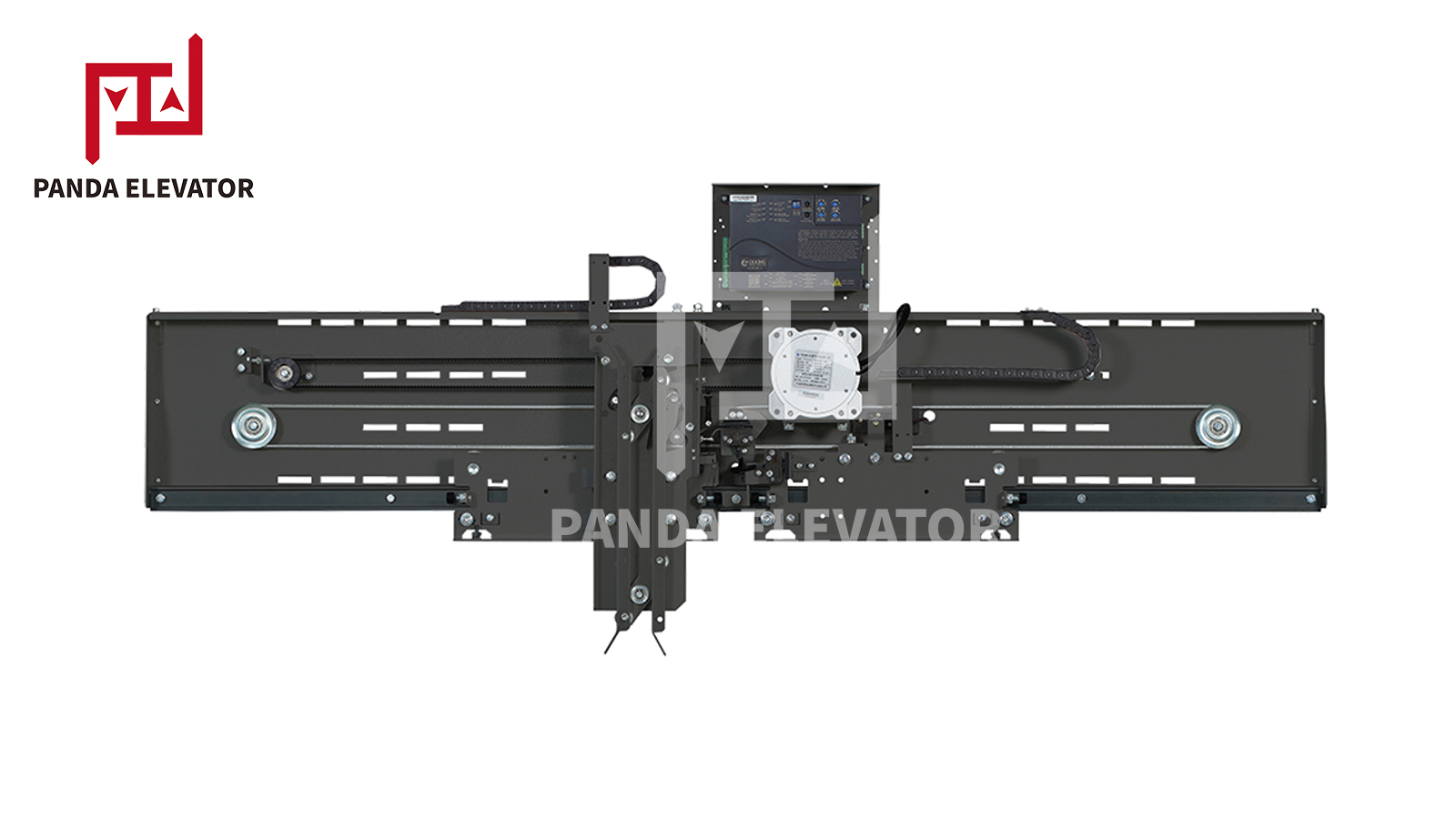
Replacing an elevator control system is rarely a one-box job. The panels and displays were built for the old protocol, and the door operator may be wired to the old board.
Order of work that avoids rework
- Confirm the new controller family and its protocol.
- Check which existing boards and panels that family supports.
- Replace only what the protocol requires; keep panels that still communicate.
- Re-commission door timing and leveling after the swap — they are controller settings, not panel settings.
The parts that usually go with it
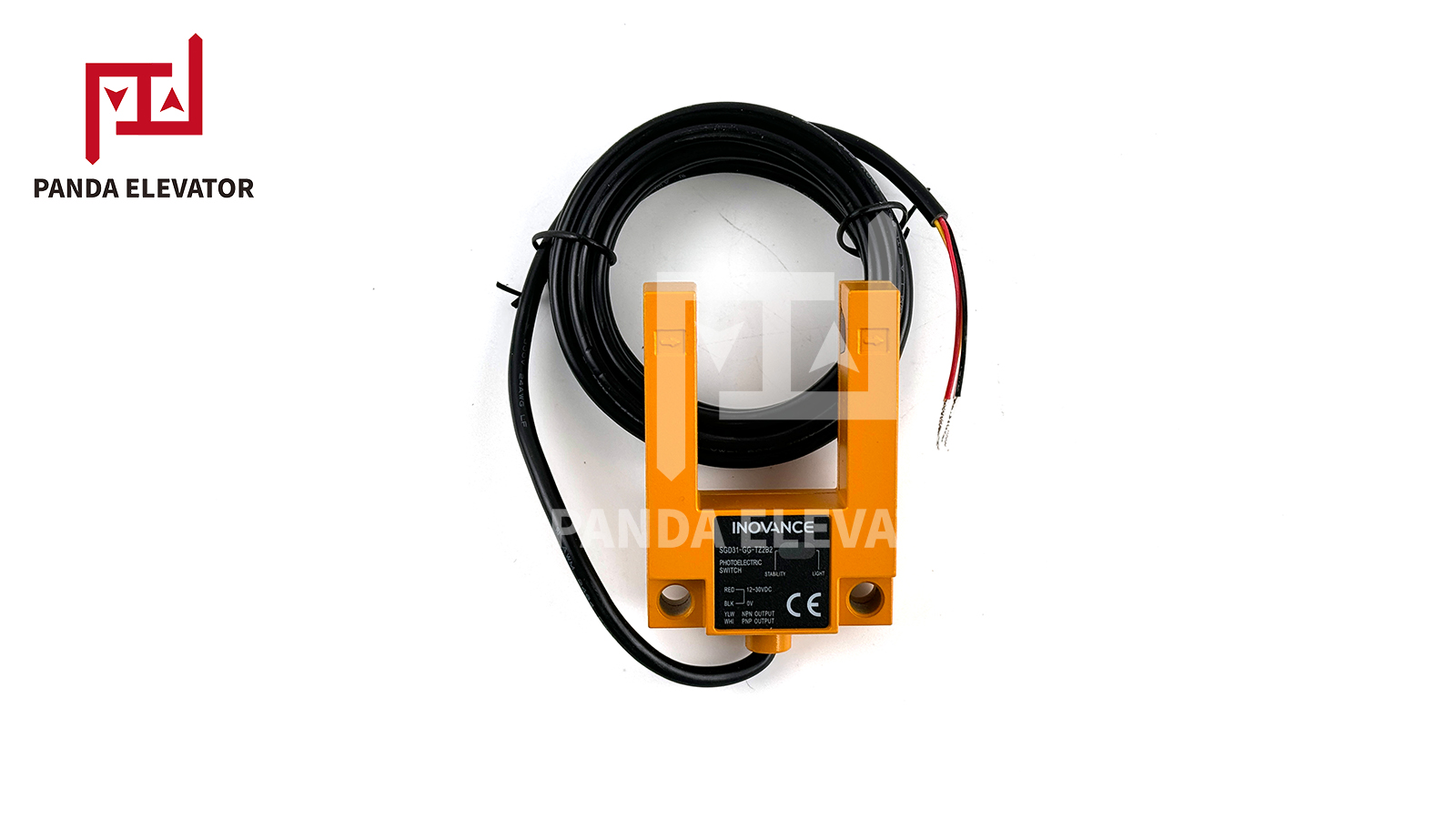
In practice a controller modernisation pulls in a COP, sometimes a display, and often a leveling sensor. If you are replacing all of those, price them as one order: mixed shipments consolidate and the compatibility check happens once.
What to send for a control system quotation
- The controller nameplate — family and full code, not just the family.
- A photo of the existing panel or board — front and back, connector visible.
- Floor count and stops — decides LOP quantity.
- Supply voltage — at the panel, measured, not assumed.
- Whether the lift has been modernised before — firmware revisions change what is compatible.
Send the board photo and the controller code. We will confirm the replacement model and tell you if the panel has to change with it.
Where the control system sits in the catalogue
- All elevator parts — the full index by group.
- Elevator door parts — operators and landing mechanisms.
- Elevator safety components — governors, safety gears, buffers.
- Elevator traction system — machines, sheaves, guide rails.